Newsletter Cover Images That Get Clicks
How to create header images that boost open rates and engagement. Platform-agnostic tips for any email newsletter.
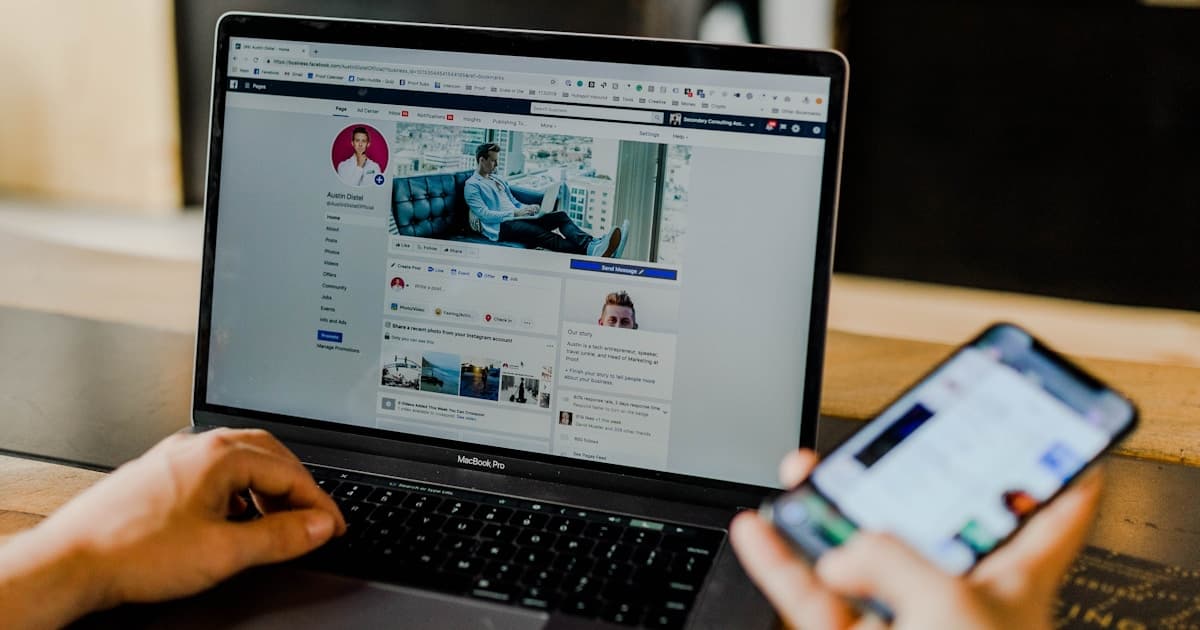
Your newsletter header image appears in preview cards, at the top of your email, and on your archive pages. The right image increases opens and engagement. The wrong one gets ignored—or worse, triggers spam filters. Here's what actually works.
Do Newsletter Images Affect Open Rates?
Let's address this first: the image doesn't show until after someone opens. So how does it affect opens?
Indirect effects:
- Preview cards (Gmail, Apple Mail) show image thumbnails
- Subscriber expectations from past issues
- Brand recognition builds over time
- Social sharing drives new subscribers
Direct effects on engagement:
- First impression after opening
- Sets tone for content
- Encourages reading vs. skimming
- Increases sharing likelihood
The header image matters—just not in the way most people think.
Email Client Considerations
Before designing, understand where your image appears:
Gmail
- Shows sender, subject, preview text
- Image thumbnail in Promotions tab (sometimes)
- Images blocked by default on some accounts
- Web and mobile views differ
Apple Mail
- Rich previews with images
- Quick Look shows full email
- Generally image-friendly
- Large user base
Outlook
- Conservative rendering
- Some CSS limitations
- Business-heavy audience
- Often blocks external images by default
Mobile Email Apps
- 60%+ of emails opened on mobile
- Small screen = small images
- Touch targets matter
- Data considerations
Key Takeaway
Your email must work without images. Many readers won't see them initially. Design for text-first, image-enhanced.
Image Specifications
Header Image Size
Recommended: 600 x 200 pixels (3:1 ratio)
This size works across most email clients and doesn't dominate mobile screens.
Alternative sizes:
| Purpose | Size | Notes |
|---|---|---|
| Compact header | 600 x 150 | Less intrusive |
| Hero image | 600 x 400 | More impact, more scroll |
| Full-width | 640 x varies | Edge-to-edge (template-dependent) |
File Specifications
| Property | Recommendation |
|---|---|
| Format | JPG or PNG |
| File size | Under 100KB ideal, 200KB max |
| Width | 600px (standard) or 640px |
| Resolution | 72 DPI (144 for retina) |
Larger files slow loading and may trigger spam filters.
Retina Support
For crisp display on modern screens:
- Design at 2x (1200px wide)
- Export at 1x (600px) and 2x
- Use srcset if your email platform supports it
Most platforms handle this automatically now.
Design Principles
1. Simplicity Wins
Email is scanned, not studied. Simple images:
- Read faster
- Load faster
- Display better across clients
- Don't compete with content
Complex images get scrolled past.
2. Brand Consistency
Your header should be instantly recognizable:
- Use brand colors
- Consistent logo placement
- Same style each issue
- Build visual familiarity
Readers should know it's you before reading the sender name.
3. Support, Don't Dominate
The image should support your content, not overshadow it:
- Your words are the main event
- Image sets the mood
- Don't repeat the subject line
- Leave space for content below
4. Mobile-First Design
Design for the smallest screen first:
- Test at 320px width
- Ensure text is readable at small sizes
- Avoid fine details
- Check tap targets if image is clickable
5. Accessibility
Not everyone sees images:
- Always include alt text
- Don't put critical info only in images
- Ensure sufficient contrast
- Test with images disabled
Header Image Styles
Style 1: Logo + Tagline
Simple header with your publication logo and optional tagline.
Pros:
- Highly consistent
- Clear branding
- Minimal design skill needed
- Works at any size
Cons:
- Less visual interest
- Doesn't change with content
- May feel static
Best for: Business newsletters, consistent brands
Style 2: Issue-Specific Image
Different relevant image each issue.
Pros:
- Fresh and interesting
- Content-relevant
- Encourages engagement
- Good for sharing
Cons:
- More work each issue
- Can feel inconsistent
- Need reliable image sources
Best for: Content-driven newsletters, curators
Style 3: Template with Variables
Consistent frame with changing elements.
Pros:
- Balance of consistency and variety
- Faster than fully custom
- Strong brand recognition
- Professional feel
Cons:
- Requires template setup
- Can feel formulaic
- Need design skills initially
Best for: Regular publishing schedules, established brands
Style 4: Text-Based Header
Typography-focused, minimal or no photos.
Pros:
- Very fast to create
- Loads instantly
- Works everywhere
- Clean, modern feel
Cons:
- Less visually distinctive
- Relies heavily on typography skill
- May feel plain
Best for: Minimalist brands, text-focused content
Style 5: No Header Image
Just dive into content.
Pros:
- Fastest loading
- No design needed
- All about the writing
- Works in all clients
Cons:
- Less visually memorable
- Harder to brand
- May feel incomplete
Best for: Personal newsletters, intimate tone
Creating Header Images
Quick Methods
Canva:
- Search "email header" templates
- Customize colors and text
- Export at correct size
- Free tier sufficient
Figma:
- Create 600 x 200 artboard
- Add brand elements
- Export as PNG
- More control, slight learning curve
Advanced Methods
Photoshop/Affinity Photo:
- Full creative control
- Batch processing
- Smart objects for templates
Code-Generated:
- Use HTML/CSS for headers
- No image files to manage
- Perfect for text-based headers
- Platform-dependent support
Platform-Specific Tips
Substack
- Header shows in email and on web
- 1100px wide banner for publication
- Consider archive appearance
- Built-in Unsplash integration
Mailchimp
- Content blocks handle images
- Auto-optimizes for email
- A/B test different images
- Analytics show engagement
ConvertKit
- Simple editor, simple images
- Template system for consistency
- Focus on deliverability
- Less image-heavy culture
Beehiiv
- Modern newsletter platform
- Good image handling
- Template system
- Analytics integration
Self-Hosted (Ghost, WordPress)
- Full control over sizing
- Need to optimize manually
- CDN recommended
- Test across clients yourself
Deliverability Concerns
Images can affect whether your email reaches inboxes:
Image-to-Text Ratio
- Too many images = spam signal
- Aim for 40% images, 60% text
- Include substantial text content
- Don't make the whole email an image
File Size
- Large images = slow loading
- Slow loading = less engagement
- Heavy emails may be clipped
- Compress everything
External Hosting
- Host images on reliable CDN
- Avoid free hosts that go down
- Consistent URLs help reputation
- Some ESPs handle this automatically
Alt Text
- Spam filters check for alt text
- Missing alt = spam signal
- Describe images properly
- Don't stuff with keywords
Testing Your Images
Before Sending
- Send test emails to yourself
- Check multiple clients: Gmail, Outlook, Apple Mail
- View on mobile and desktop
- Disable images and verify alt text works
- Check file size and loading speed
After Sending
- Monitor open rates (though images don't directly affect this)
- Check click rates on header links
- Review spam complaints
- A/B test different approaches
FAQ
Q: Should my header image link somewhere?
If it links, make it go somewhere useful (your site, featured article). Many readers click headers instinctively. A dead link is a missed opportunity.
Q: How do I handle dark mode?
Dark mode inverts some colors. Use images with transparent backgrounds carefully, and test in both modes. Consider providing dark-mode-friendly versions if your ESP supports it.
Q: Should I use GIFs?
Sparingly. GIFs are large, don't play everywhere (Outlook), and can feel gimmicky. If you use them, have a strong static first frame.
Q: My images are being blocked. What do I do?
This is normal for many email clients. Ensure your email works without images (good alt text, text-based design). Engaged subscribers will enable images over time.
Q: How often should I change my header style?
Rarely. Consistency builds recognition. If you change, do it deliberately and communicate with subscribers.
Find Newsletter-Ready Images
Great newsletter images are hard to find—they need to be horizontal, clean, and email-friendly. CoverImage.app filters for newsletter-appropriate images and matches them to your content. Try it for your next issue.
Ready to find your perfect cover image?
Try CoverImage.app - paste your content, get AI-matched images instantly.
Try it Free